OpenClaw is the one serious personal AI agent with no UK restriction at all, because you run it yourself. It is free, open-source software that sits on your own computer or server and talks to you through WhatsApp, Telegram, Signal and other messaging apps. You pay only for the AI model you plug in. The catch is that you are also the security team.
This guide is based on OpenClaw's documentation and security coverage. We have not run a hands-on test.
What is OpenClaw?
OpenClaw is a local-first personal agent released under the MIT licence, with about 394,000 GitHub stars as of November 2026. Its conversations, memory and skills are stored as Markdown and YAML files on your device, and a single Gateway process sits between your messaging apps and the agent (OpenClaw docs).
It started in November 2025 as Clawdbot, a side project by Austrian developer Peter Steinberger, and took the OpenClaw name in late January 2026. It overtook React as the most-starred project on GitHub in March 2026. It is now stewarded by the OpenClaw Foundation, an independent 501(c)(3) nonprofit that employs the core team and signs releases. Dave Morin is Chairperson and Vincent Koc is Chief Architect, and donors include Amazon, OpenAI, Red Hat and the University of Michigan; OpenAI says it "is a donor, not an owner". Its formation was reported in July 2026. Meta has said Muse was "heavily inspired as a product by OpenClaw" (TNW).
- Starts as Clawdbot, a personal project
- Renamed OpenClaw; ClawHub skills marketplace launches
- ClawHavoc malicious-skills campaign; VirusTotal scanning added
- Passes React as GitHub's most-starred project
- OpenClaw Foundation formation reported (9 July)
- OpenClaw 2.0 announced, with simpler setup and a rebuilt browser app
Why UK users are looking at it
As of November 2026, Meta Muse, Claude Duet and Gemini Spark are not available in the UK, and OpenAI's dots is reported to reach UK users only through the business-only Business Premium plan. OpenClaw "can be installed anywhere, including Europe" (Trending Topics). There is no waitlist and no terms of service to break by using it from Britain, which makes it a cleaner option than a VPN for US-only agents.
For why the big agents skip the UK in the first place, see why AI agents are US-only.
What do you need to run it?
According to the docs summary:
- Software: Node.js 22.16 or newer (24 recommended). macOS and Linux run it natively; Windows needs WSL2.
- Hardware: any always-on machine you control, such as a spare laptop, a mini PC or a small home server. The agent only works while that machine is on.
- A model: Claude, OpenAI GPT models, Grok, DeepSeek or Gemini via API key, or a local model through Ollama.
- A channel: WhatsApp, Telegram, Slack, Discord, Signal, iMessage, Teams, Google Chat, Matrix and more, plus built-in WebChat.
- Install Node.jsVersion 22.16 or newer on macOS, Linux or Windows with WSL2.
- Install OpenClawRun npm install -g openclaw@latest, then openclaw onboard --install-daemon.
- Check the GatewayUse openclaw gateway status and open the Control UI with openclaw dashboard.
- Add a modelPaste an API key or point it at a local Ollama model.
- Pair a channelConnect Telegram, Signal or another app and enable DM pairing.
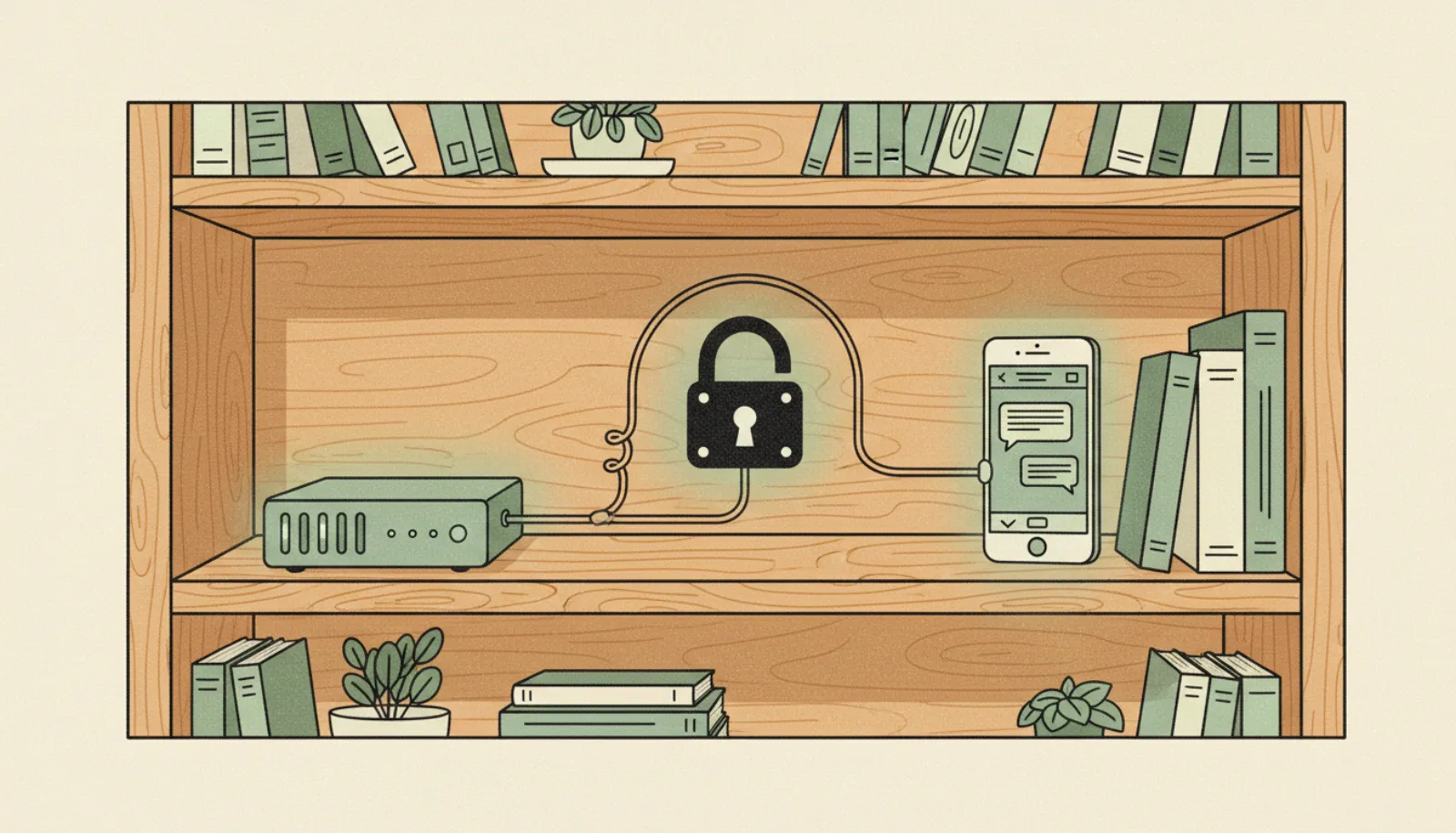
- Lock it downKeep the Gateway on 127.0.0.1 and reach it only through Tailscale or an SSH tunnel.
The full walkthrough lives on the sister site: how to self-host OpenClaw. For channel set-up, see OpenClaw messaging setup.
What does it cost in pounds?
| Cost (as of November 2026) | Typical range | Notes |
|---|---|---|
| OpenClaw software | £0 | Open source |
| AI model | Pay per use, or £0 for a local model | API bills scale with how much the agent reads and does |
| Hardware | £0 if reusing a machine | A dedicated always-on box costs more upfront |
| Electricity | Small but ongoing | Depends on the machine |
| Your time | Significant | Updates, security, debugging |
We have not put a single monthly figure on API costs because it depends heavily on usage. Agents that read inboxes and browse the web can use far more tokens than a chatbot. TNW reported one token bill linked to the project of $1.3 million, an extreme case, but a reminder to set spending caps with your model provider.
How risky is it?
- Malicious skills found in Koi's audit of 2,857 ClawHub skills
- 341
- Malicious skill packages ever on ClawHub (Antiy CERT)
- 1,184
- Exposed instances in one SecurityScorecard scan
- 135,000+
- Thoughtworks Technology Radar rating
- Caution
- Malicious skills. In February 2026, Koi Security found 341 malicious skills among 2,857 on ClawHub, 335 of them tied to the ClawHavoc campaign. Antiy CERT later counted 1,184 malicious skill packages that had ever appeared on ClawHub (Antiy); the two figures measure different things. Payloads included macOS stealers and Windows credential harvesters (The Hacker News, Dark Reading). OpenClaw now scans uploads with VirusTotal.
- Exposed instances. Scans found tens of thousands of OpenClaw instances reachable online, and by some scans more than 135,000, many without authentication. Censys counted 21,639 on 31 January 2026, and SecurityScorecard found 40,000+ in its first day of scanning before reporting 135,000+. Later secondary reports cite more than 220,000.
- Vulnerabilities. CVE-2026-25253, a one-click remote code execution bug, was patched.
- Ranking games. Researchers showed ClawHub download rankings could be manipulated to push a malicious skill to the top.
The recommended hardening is clear: never expose the Gateway publicly, run it in a Docker sandbox under a low-privilege account (sandboxing is off by default), use scoped API keys, read and pin third-party skills to a commit hash, enable DM pairing and rotate the gateway token. Our AI agent safety guide covers the wider habits.
Do not connect a self-hosted agent to online banking or give it saved card details. If the machine or a skill is compromised, the attacker gets whatever the agent can reach.
Where do you stand under UK law?
Personal use. UK GDPR has a domestic purposes exemption, so running an agent purely for your own household admin is generally outside its scope. The data you send to an API provider is still covered by that provider's terms and privacy policy.
Business use. If you use OpenClaw for clients or customers, you are the data controller. The model provider you send personal data to is likely your processor, so you need appropriate terms and, if data goes outside the UK, a lawful transfer mechanism. The ICO's view is that agentic processing remains "fully subject to UK GDPR obligations". See ICO data rights and AI agents.
WhatsApp. Meta's WhatsApp Business terms bar general-purpose AI assistants on the Business API from 15 January 2026. OpenClaw's own WhatsApp channel instead links a personal account through WhatsApp Web using the unofficial Baileys library. That is not a grey area: WhatsApp's terms bar auto-messaging and unauthorised automated access, so the account can be banned. If you use it anyway, use a spare number; Telegram or Signal are safer choices.
Who it's for, and who should skip it
Pros
- No UK restriction and no waitlist
- Your memory and files stay on your own disk
- Choose any model, including local ones
- Works across most messaging apps
Cons
- You are responsible for every security update
- Skills marketplace has a history of malware
- Agent stops when your machine is off
- API costs can climb without spending caps
Good fit: developers and confident tinkerers who already run home servers, use Tailscale and read code before installing it.
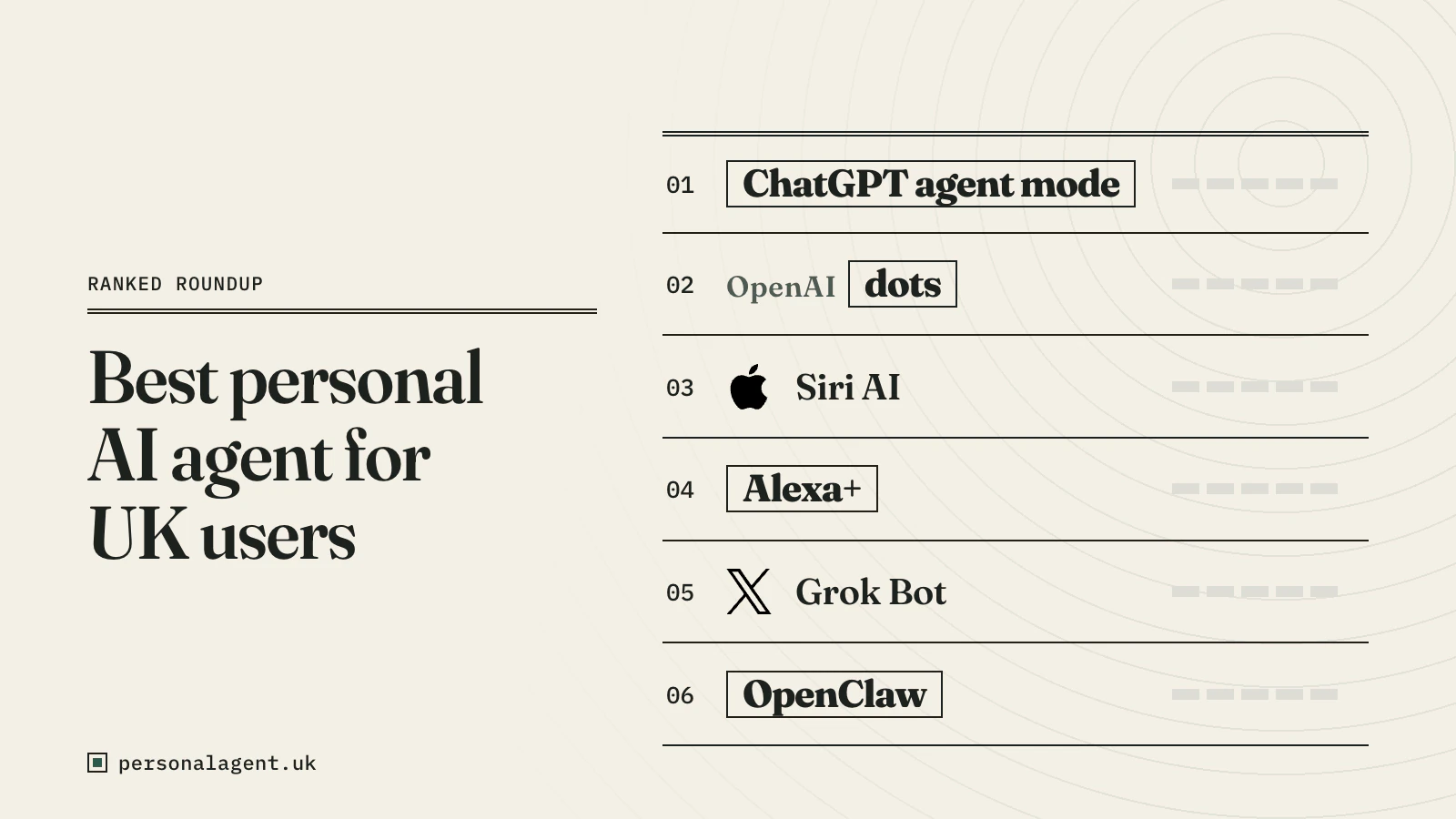
Skip it if: you want something that just works, or you would connect it to email, banking or work accounts without auditing it. ChatGPT agent mode, Siri AI or Alexa+ will be safer choices; see the best AI agent for UK users.
Bottom line
OpenClaw is the most complete answer to "how do I get a personal AI agent in the UK today" if you are technical. It costs nothing to install, has no geographic block and keeps your data on your own hardware. But its 2026 security record is a real warning. Treat it as a project you maintain, not an app you install and forget.